Hi all, making a post here as I’m not sure if I’ve encountered a bug, or if I’m doing something wrong. I created a new journal from scratch on my laptop and used the Sync function to sync it to a folder on my Nextcloud server. The connection was fine and Sync worked perfectly.
I then opened a browser instance of Surebeans on my laptop and tried to utilise the ‘Clone from remote’ feature to open the same journal on my laptop. ‘Test Connection’ was successful, but when I click ‘Clone’, it starts ‘Listing remote files’ and then immediately throws an error (Failed: NotFound). I am using the exact same information that I used for ‘Sync’, which works fine. I can also confirm that the files have been written to the correct folder in my Nextcloud server.
I then tried ‘Clone from remote’ on the MacOS app as well as my phone browser, with the same results. Am I doing something wrong?
So there was a pretty big difference between Nextcloud and hacdias/webdav. I’ve pushed a fix in 0.88.2. Would you mind to try that?
Note I am about to push 0.89.0 which adds the Add button on the Account tab, so that might be the version Surebeans updates to depending on when you read this.
I’m on v0.89.1 now. I inputted my server’s details into Sync and tested the connection, with no issues. I then tried cloning from remote, but now the error I see is ‘Operation timed out (<my_server_url>:443)’.
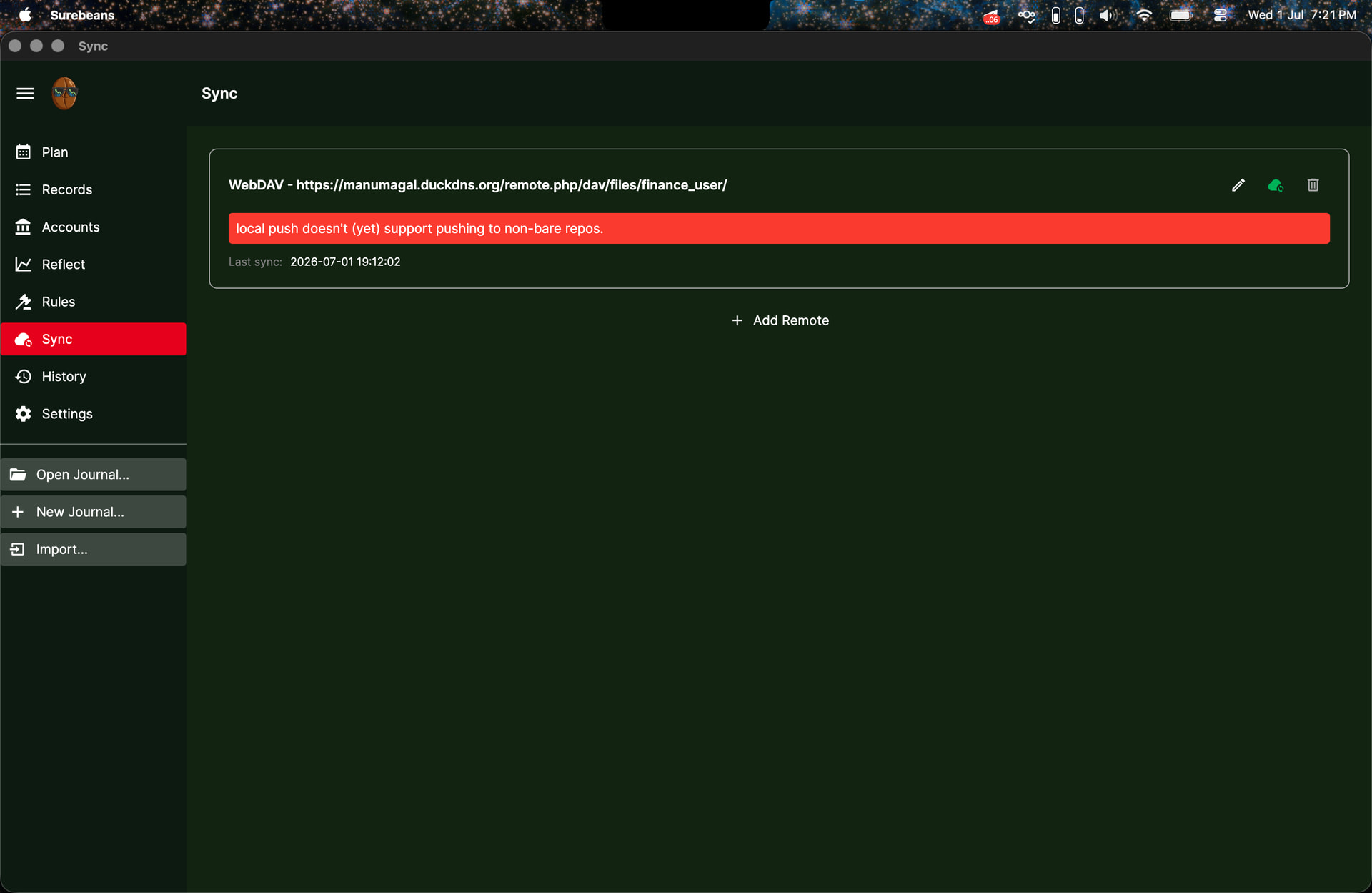
As an attempted workaround for cloning from remote, I created a new journal from scratch, then used Sync and kept remote for all files when the file conflicts were detected. But in all of those efforts trying to sync across laptop, server, and browser, I came across this error:
I’m not sure if I can reproduce it. I think the general solution to this is to create a clear workflow on how to maintain a journal on a server, clone the server instance to desktops/browsers, and sync to/from the server.
Sorry for the trouble. That was a clever workaround to try!
I had a look. Please let me know if you still get the timeout or git error (“local push…”) in 0.89.6. In case git is in a weird state, it’s probably best to delete the journal on the remote and locally and start from scratch.
If you still have trouble, I’ll try to repro the issues against a real install of NextCloud.
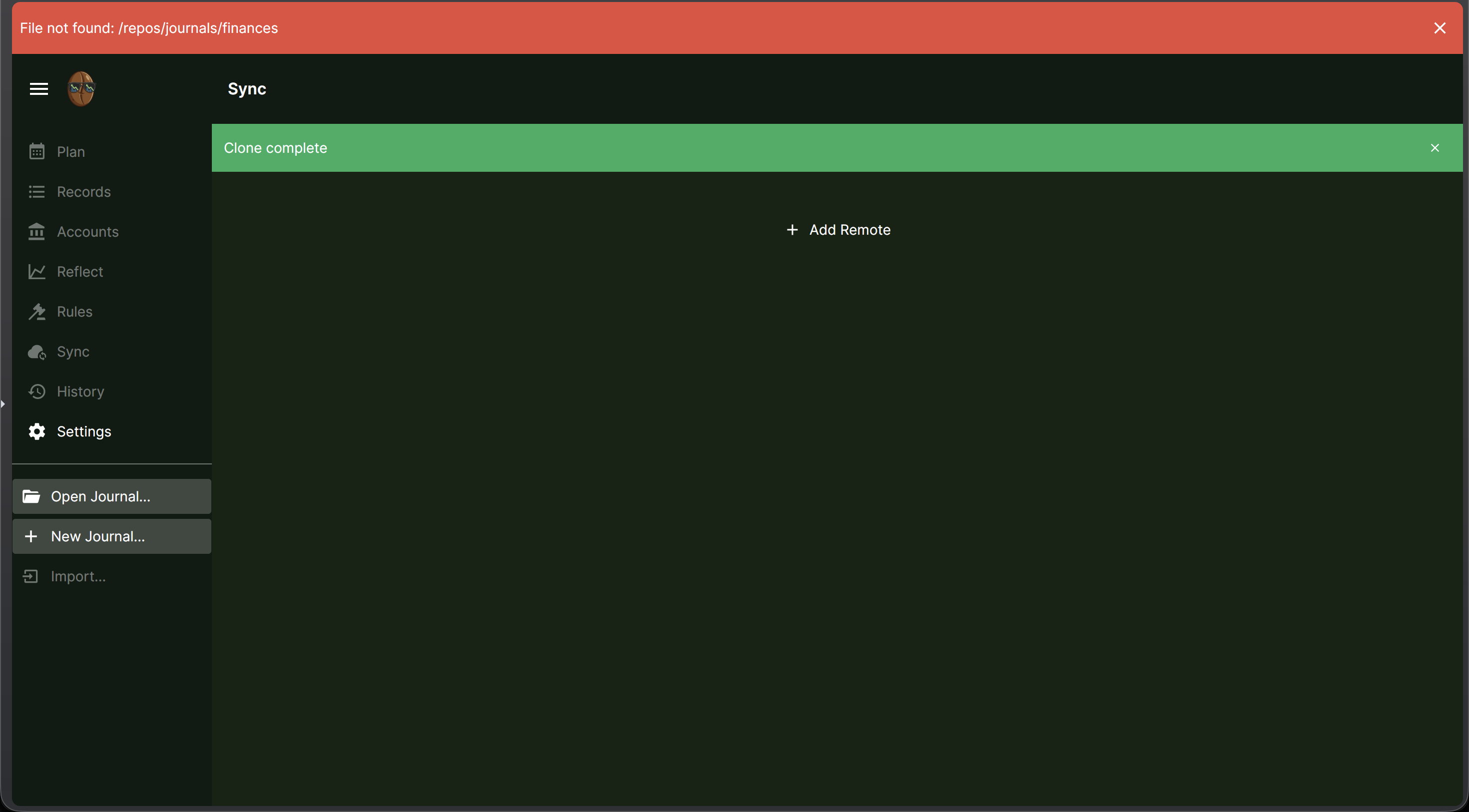
I’m on v0.89.6 now. I can confirm that Clone from remote now works perfectly on the MacOS app, but it doesn’t work on browser. When I try to clone from remote on browser, I get this error: