I am having several issues adding and deleting transactions manually in the Record Tab. I’m using the desktop version on Windows, v0.90.2.
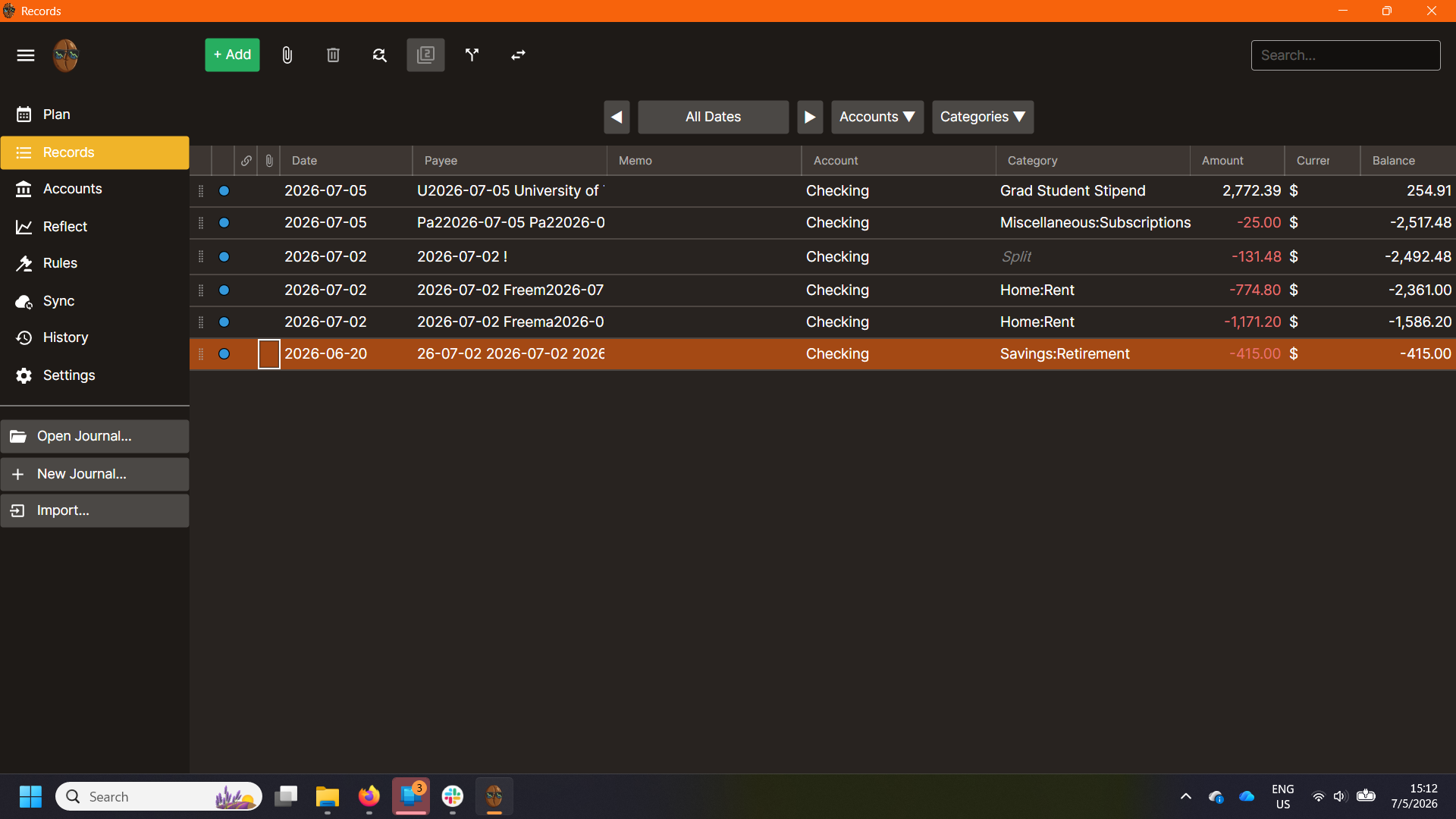
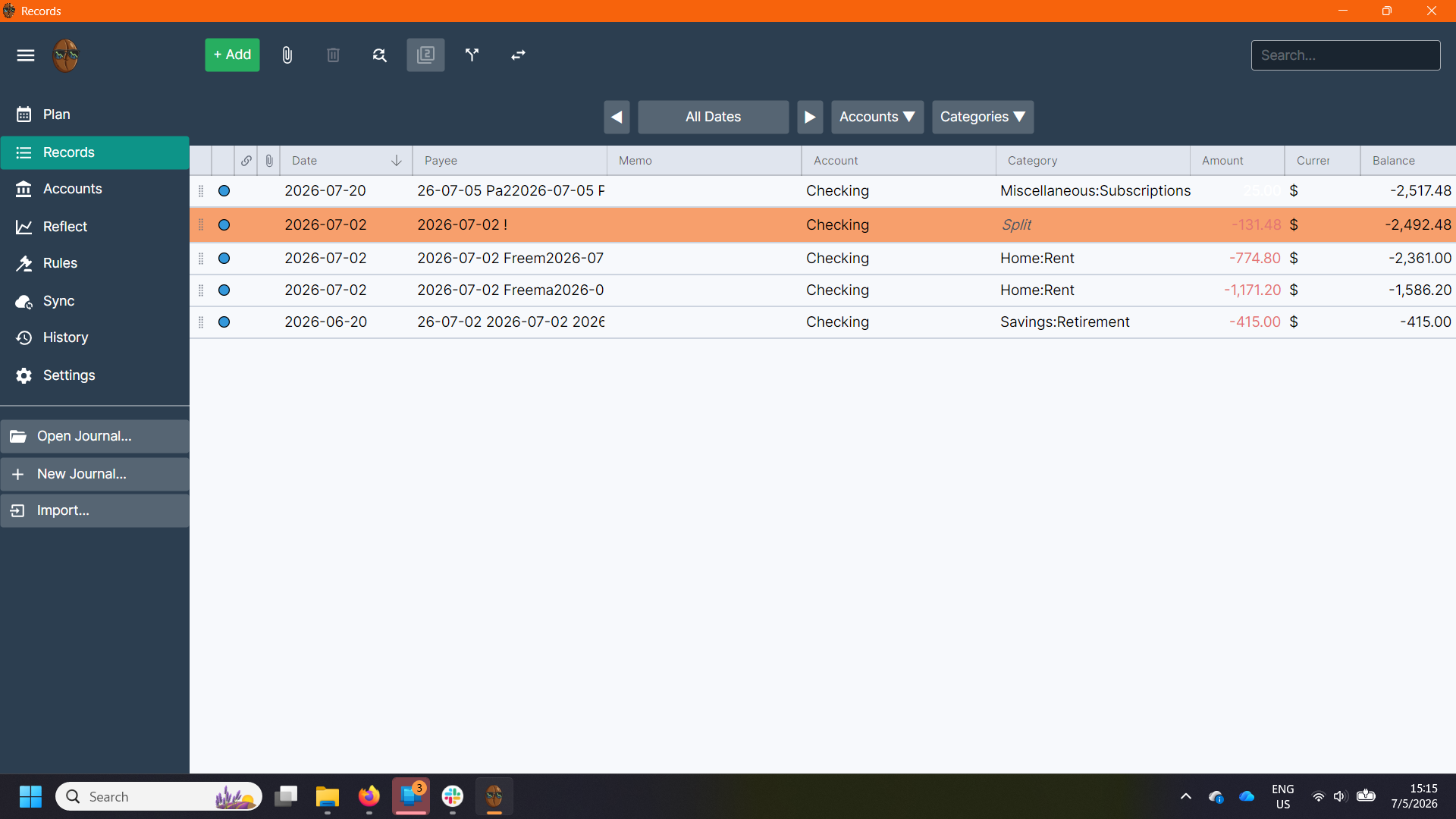
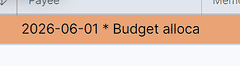
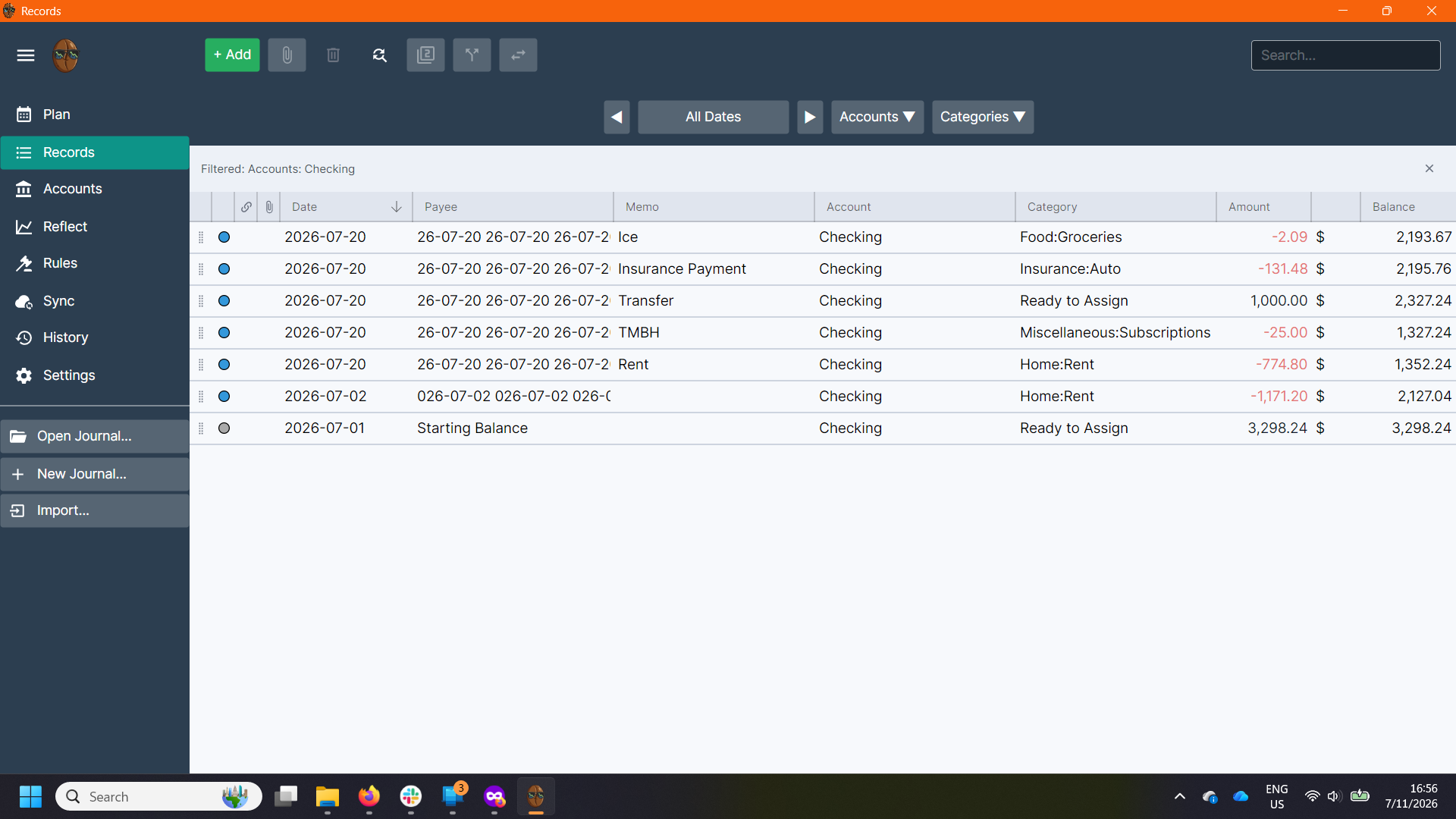
First, adding transactions. When I add a transaction manually, it goes well at first. However, when I close and then reopen Surebeans, it seems to be renaming the Payee Column with some combination of the first few letters I originally put along with the transaction date, then putting my original text. For example, “Freeman Webb” on 7-02 becomes “2026-07-02 Freem2026-07-02 Freeman Webb.”
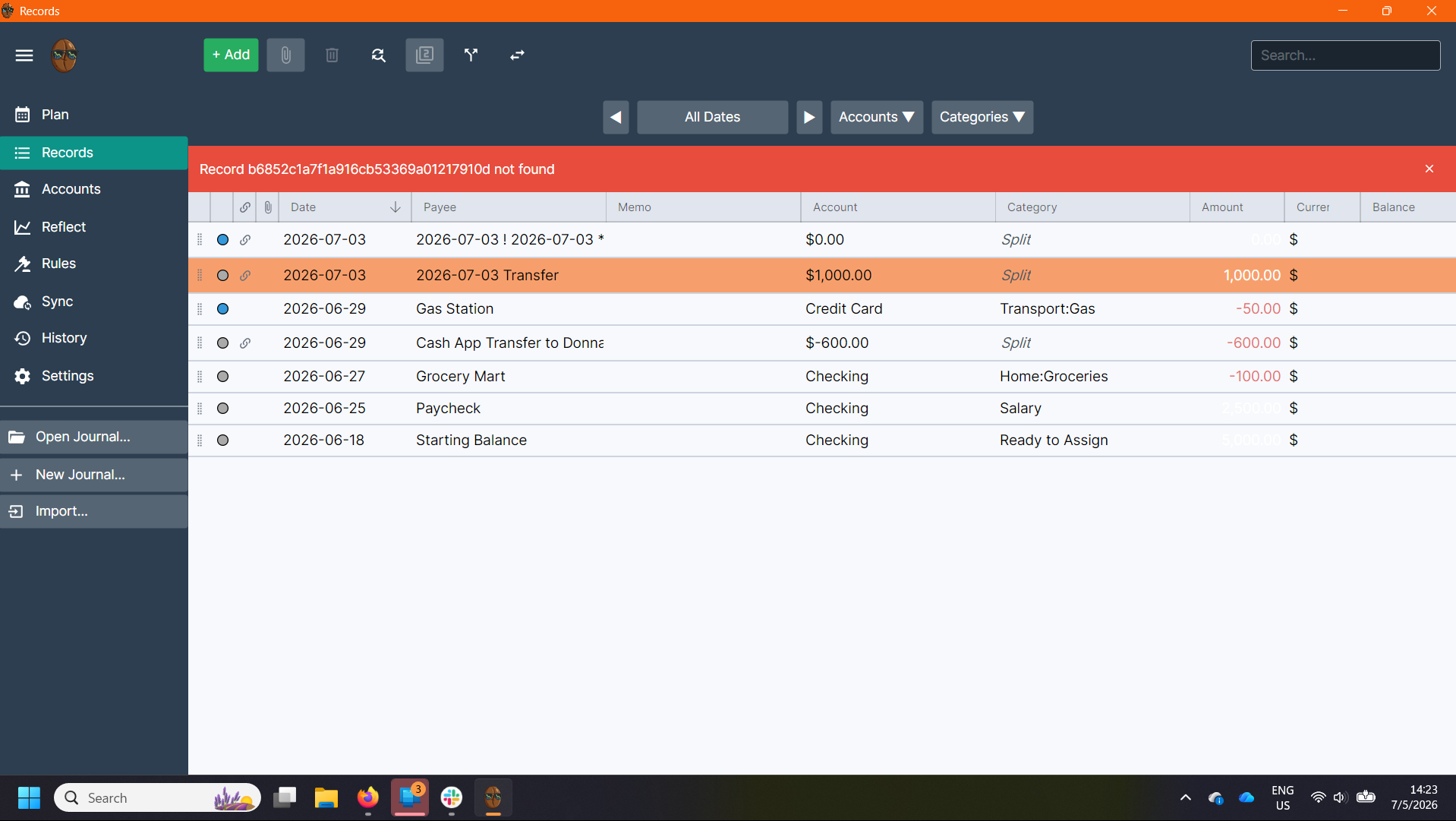
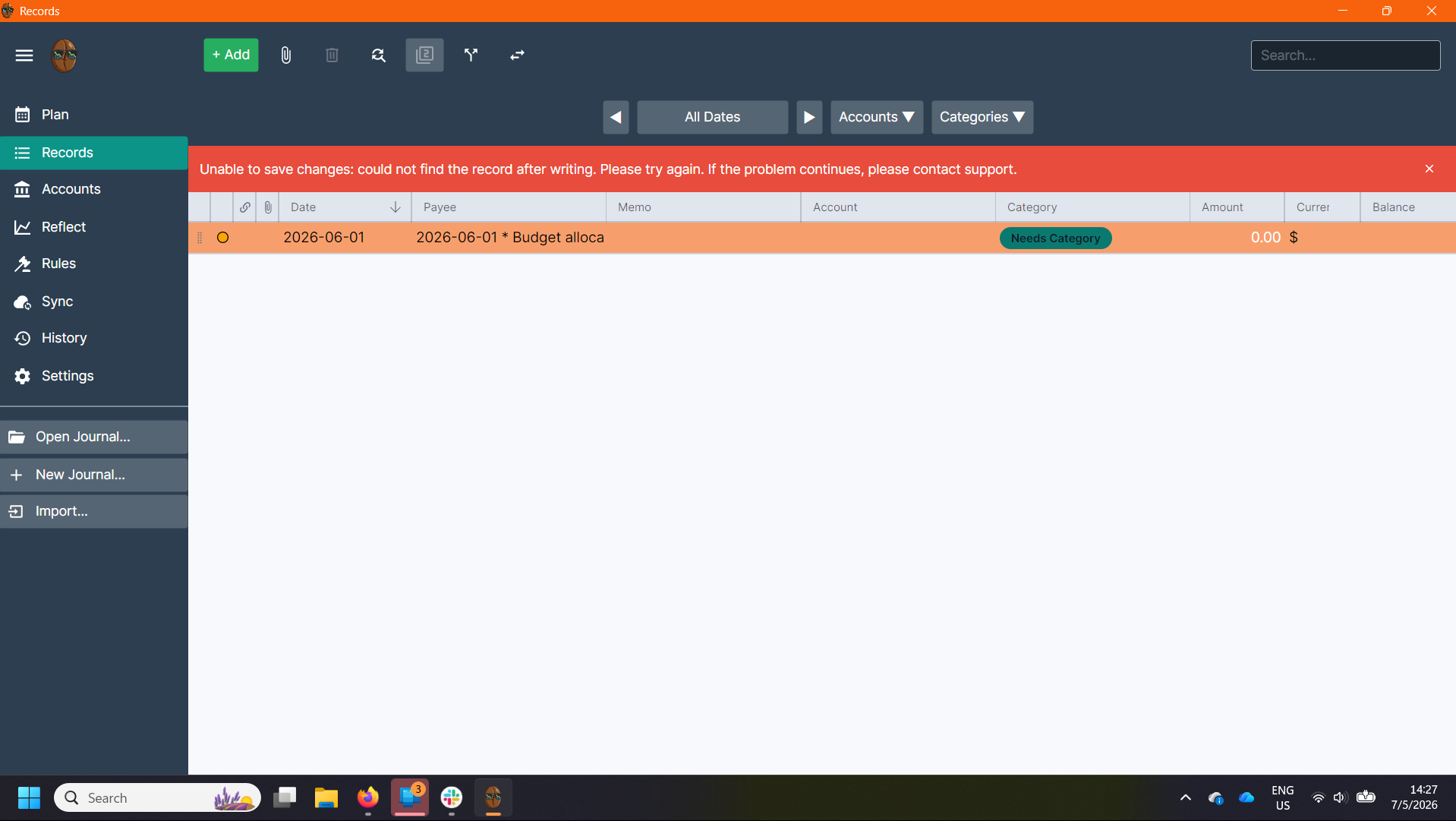
Second, deleting transactions. Sometimes I can delete transactions just fine, other times I get an error code and/or a message telling me to contact support. I have not yet found a rhyme or reason to this, but I’ve attached a few screenshots.
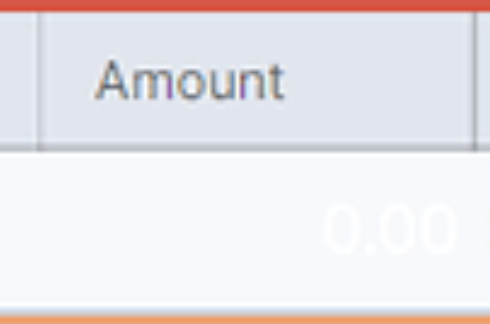
Finally, I’ve noticed that on your lighter themes (Breeze and Cotton), the white text used to indicate income in the Amount column is hard to read. Could you change it to something darker please?
I have seen the corruption of records before like in your screenshot before.
I recall, vaguely, that it was a problem with the journal file. Would you mind to send a zip of your journal to [email protected]? If necessary, feel free to redact names or change amounts.
@ngills sent me his journal and I found some corrupted dates:
2026-072026-07-02 Investment
22026-07-03 ! 2026-07-03 Transfer
2026-2026-07-01 Electric
I cleaned them up manually, and then the journal file loaded normally. I sent the repaired 2026.journal file back to him.
I remember there was a specific release in the last couple of weeks that caused this, but there have been so many recently that I can’t remember which. I remember I fixed it then, so hopefully this is the only time it’ll happen.
I’ve messed around more with manual adding of transactions and am still having the issue of dates getting added to the payee column, as shown. Do you think my journal file is still corrupted/got corrupted again?
Hey @ngills, I finally figured out why your journals are getting corrupted like this, and I fixed it for good in 0.96.0. Thanks for your patience. I repaired your journal file by hand and am sending it to you by email.
The problem was Surebeans did not parse Windows line endings correctly. That’s why I never see this, since I mostly test on macOS (which I will switch up more now). On all OSes, there are invisible characters called “line endings”. It’s how the OS knows to render the remaining text on the next line. On macOS and Linux, there is just CR (carriage return), but Windows uses CR-LF (carriage return, line feed). For example, the string hello\r\nngills renders on Windows as
hello
ngills
On Linux and macOS, the \n is unnecessary, and depending on the app, is either optional or problematic. I just now made sure it’s optional and not problematic in Surebeans.
The terminology goes back to typewriters where feeding the next line and returning the carriage back to the left side of the page were things you actually had to think about.